Watch the Video
Quick Answer: What is Certificate Transparency?
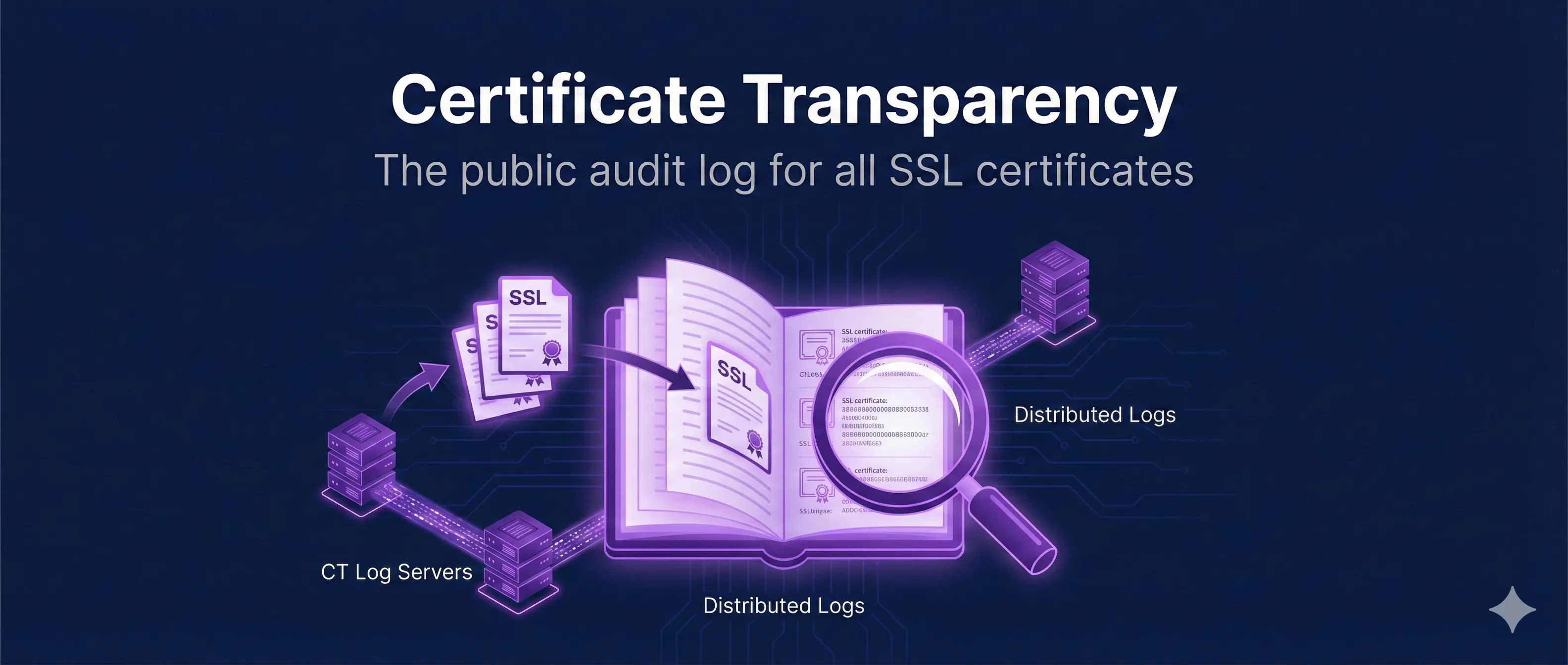
Certificate Transparency (CT) is a public logging system that records every SSL/TLS certificate issued by trusted Certificate Authorities. It acts as a public watchdog, making it nearly impossible to issue a certificate secretly.
If a certificate isn't in CT logs, modern browsers will reject it. And as of June 15, 2026, CT logging is no longer just best practice — it's mandatory for Chrome-trusted CAs, which must log every precertificate before issuance.
Chrome Now Requires CT Logging Before Issuance (Effective June 15, 2026)
What changed. Under Chrome Root Program Policy v1.8 (Section 1.3.4.1), effective June 15, 2026, CA Owners with CA certificates that validate to a certificate included in the Chrome Root Store MUST ensure that all TLS server authentication precertificates are logged to at least one CT log recognized by Chrome as Usable or Qualified before issuing the corresponding certificate. Before this date, logging was a SHOULD with a 24-hour window. It is now a hard requirement, and it must happen pre-issuance.
Final certificates are different
Logging final certificates (Section 1.3.4.2) remains a SHOULD within 24 hours of issuance — recommended, not required. The mandate applies specifically to precertificates.
Why precertificates carry the requirement
The CA submits a precertificate (the certificate with a poison extension) to CT logs, receives Signed Certificate Timestamps (SCTs) in return, and embeds those SCTs in the final certificate. Requiring the precert to be logged before issuance guarantees every Chrome-trusted certificate is publicly discoverable from the moment it exists.
Usable vs. Qualified logs
Chrome tracks the state of every CT log it recognizes. Only logs currently in the Usable or Qualified state satisfy this requirement — a CA logging to a retired or rejected log is non-compliant even though it technically "logged" the certificate.
What this means for you as a subscriber
Your CA handles the logging — your job is verification and monitoring:
- • Confirm your certificates carry SCTs — browser DevTools → Security tab, search your domain on crt.sh, or inspect with
openssl x509 -textand look for the SCT List extension - • Set up CT monitoring for your domains so you're alerted when any certificate — legitimate or not — is issued for them
Certificates that fail Chrome's CT policy are rejected by the browser.
Why CT Matters for Security
Certificate Transparency was created after several high-profile incidents where CAs issued unauthorized certificates, sometimes for major domains like google.com.
The Problems CT Solves
1. Rogue CA Detection
Before CT, a compromised or malicious CA could issue certificates for any domain without the domain owner knowing. CT makes all issuance public and auditable.
2. Mis-issuance Detection
CAs sometimes make mistakes—issuing certificates to the wrong entity or with incorrect domains. CT lets domain owners monitor and catch these errors quickly.
3. Phishing Detection
Security teams monitor CT logs for lookalike domains (e.g., goog1e.com) to detect phishing campaigns early, often before the attack begins.
4. Accountability
If a CA misbehaves, the evidence is permanently recorded in CT logs. This has led to several CAs being distrusted by browsers (e.g., Symantec, WoSign).
Real-World Incidents That Drove CT Adoption
- • 2011 DigiNotar: Issued fraudulent google.com certificates for Iranian surveillance
- • 2013 TURKTRUST: Accidentally issued CA certificates used for MITM attacks
- • 2015 CNNIC: Intermediate CA issued unauthorized Google certificates
- • 2015 Symantec: Issued test certificates for google.com without authorization
How Certificate Transparency Works
CT uses cryptographically verifiable, append-only logs. Once a certificate is logged, it cannot be removed or modified—creating an immutable audit trail.
The CT Workflow
- 1. CA receives a certificate request and validates the domain owner
- 2. Before issuing, CA submits a precertificate to CT logs (required for Chrome-trusted CAs since June 15, 2026)
- 3. CT log operators verify the certificate and add it to their log
- 4. Log returns a Signed Certificate Timestamp (SCT) as proof
- 5. SCT is embedded in the certificate or delivered during TLS
- 6. Browser verifies SCT before trusting the certificate
Key Components
| Component | Role |
|---|---|
| CT Logs | Append-only databases storing certificates (Google, Cloudflare, DigiCert operate major logs) |
| Monitors | Watch logs for certificates issued for specific domains |
| Auditors | Verify logs are behaving honestly (no backdating, no deletions) |
| SCTs | Signed promises from logs that a certificate was recorded |
Understanding CT Logs
CT logs are operated by various organizations (Google, Cloudflare, DigiCert, Sectigo). Each log is cryptographically verifiable using Merkle trees.
Major CT Log Operators
- • Google: Argon, Xenon, Icarus logs (largest operator)
- • Cloudflare: Nimbus logs
- • DigiCert: Yeti, Nessie logs
- • Sectigo: Sabre, Mammoth logs
- • Let's Encrypt: Oak logs
How Merkle Trees Work in CT
CT logs use Merkle trees to prove:
- • Inclusion proof: A certificate is in the log
- • Consistency proof: The log hasn't been tampered with
- • Append-only: New entries can only be added, not removed
Query CT Logs
# Search CT logs for a domain using crt.sh
curl "https://crt.sh/?q=example.com&output=json" | jq

# Get certificate details by ID
curl "https://crt.sh/?id=1234567890&output=json" | jq

# Search for wildcard certificates
curl "https://crt.sh/?q=%.example.com&output=json" | jq
Signed Certificate Timestamps (SCTs)
An SCT is a promise from a CT log that a certificate has been (or will be) logged. Browsers require valid SCTs to trust certificates.
SCT Delivery Methods
1. Embedded in Certificate (Most Common)
SCTs are embedded in the certificate itself as an X.509 extension. This requires the CA to submit to logs before issuing.
2. TLS Extension
SCTs are delivered during the TLS handshake via the signed_certificate_timestamp extension. Requires server configuration.
3. OCSP Stapling
SCTs are included in the stapled OCSP response. Combines revocation checking with CT proof delivery.
View SCTs in a Certificate
# Check SCTs embedded in a certificate
openssl s_client -connect example.com:443 2>/dev/null | \
  openssl x509 -noout -text | grep -A 20 "CT Precertificate SCTs"

# Using Chrome DevTools:
# Security tab → View certificate → Details →
# Look for "Embedded SCTs" extension
Monitoring CT Logs for Your Domains
Domain owners should monitor CT logs to detect unauthorized certificates issued for their domains. Several free services make this easy.
Free CT Monitoring Services
| Service | Features |
|---|---|
| crt.sh | Free search, API access, historical data |
| Cert Spotter (SSLMate) | Email alerts, wildcard monitoring, API |
| Facebook CT Monitor | Instant notifications, subdomain coverage |
| Google Transparency Report | Search interface, certificate details |
Setting Up Monitoring
# Using Cert Spotter API
curl "https://api.certspotter.com/v1/issuances?domain=example.com"

# Set up email alerts (requires account)
# Visit: https://sslmate.com/certspotter/

# Automated monitoring script
#!/bin/bash
DOMAIN="example.com"
LAST_CHECK=$(cat /tmp/ct_last_check 2>/dev/null || echo "2024-01-01")
curl -s "https://crt.sh/?q=$DOMAIN&output=json" | \
  jq -r '.[] | select(.entry_timestamp > "'$LAST_CHECK'") | .common_name'
date -I > /tmp/ct_last_check
What to Look For
- • Certificates you didn't request
- • Certificates from unexpected CAs
- • Lookalike domain certificates (typosquatting)
- • Wildcard certificates covering your subdomains
Browser CT Enforcement
Major browsers now require CT compliance for all publicly-trusted certificates. Certificates without valid SCTs are rejected.
Browser Requirements
| Browser | CT Required Since | SCTs Required |
|---|---|---|
| Chrome | April 2018 | 2+ from different logs |
| Safari | October 2018 | 2+ based on cert lifetime |
| Firefox | Partial (CT verification) | Enforcement in progress |
| Edge | Follows Chrome (Chromium) | 2+ from different logs |
What Happens Without CT Compliance
Chrome shows NET::ERR_CERTIFICATE_TRANSPARENCY_REQUIRED. The connection is blocked with no user override option. Private/enterprise CAs are exempt from CT requirements.
Frequently Asked Questions
Does CT expose my private certificates?
CT only logs publicly-trusted certificates (those chained to browser root stores). Private CA certificates (enterprise internal CAs) are not required to be logged and browsers don't enforce CT for them.
Can I see what subdomains my competitors have?
Yes, CT logs are public. Anyone can search for certificates issued for any domain, revealing subdomains. This is a known trade-off—transparency comes at the cost of some information exposure.
How long are certificates kept in CT logs?
CT logs are designed to be append-only and permanent. However, logs are "sharded" by year—each year's logs are separate, and older logs may eventually be archived.
What if a CT log misbehaves?
Logs are cryptographically auditable. If a log backdates entries, removes certificates, or otherwise misbehaves, auditors can detect and prove it. Misbehaving logs are removed from browser trust lists.
Do I need to do anything for CT compliance?
If you're getting certificates from a public CA (Let's Encrypt, DigiCert, etc.), CT compliance is handled automatically—the CA submits to logs and embeds SCTs. You don't need to do anything special.
Related Resources
CA Hierarchy Design
Understand how certificate authorities are organized and trusted.
Browser Root Stores
Compare trust policies across Chrome, Mozilla, Apple, and Microsoft.
Certificate Anatomy
Decode and understand every field in an X.509 certificate.
CAA Records
Control which CAs can issue certificates for your domain.
Certificate Revocation
CRL, OCSP, and OCSP stapling—how browsers check certificate validity.
Ready to See CT in Action?
Our interactive demo shows how certificates are submitted to CT logs, how SCTs are generated, and how browsers verify CT compliance in real-time.
Launch Interactive Demo