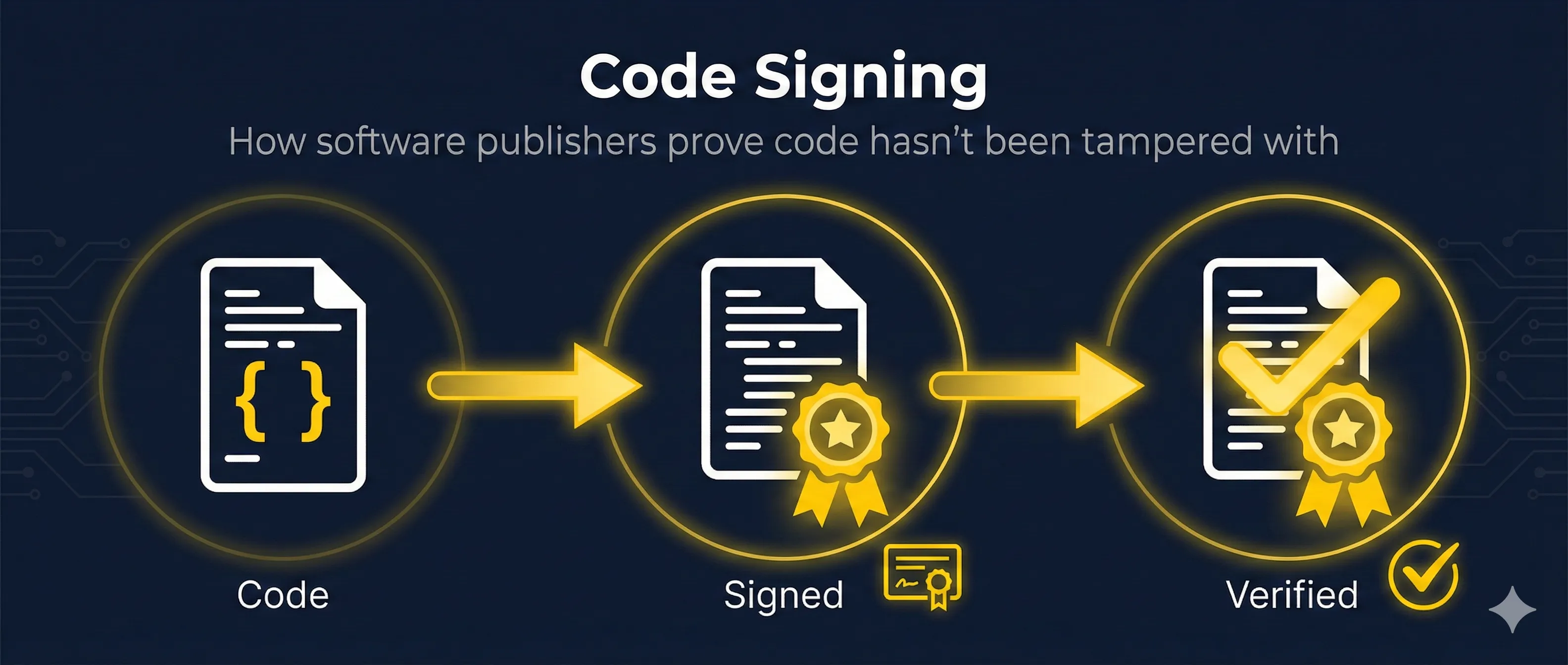
Quick Answer: What is Code Signing?
Code signing is the process of digitally signing executables and scripts to confirm the software author and guarantee that the code hasn't been altered since it was signed.
When you install software, your operating system checks the signature to verify the publisher's identity and ensure the code wasn't modified by malware or hackers.
Why Code Signing Matters
Without code signing, users have no way to verify that software is legitimate. Here's what code signing protects against:
Without Code Signing
- ✗ Attackers can inject malware into legitimate software
- ✗ Users can't verify who created the software
- ✗ Man-in-the-middle attacks can replace downloads
- ✗ No accountability for software publishers
With Code Signing
- ✓ Any modification breaks the signature
- ✓ Publisher identity is verified by Certificate Authority
- ✓ Users see publisher name before installation
- ✓ Reduced security warnings from OS
Real-World Impact
Major software supply chain attacks like SolarWinds and CCleaner targeted the code signing process. Attackers who compromise signing keys can distribute malware that appears legitimate.
The Code Signing Process
Code signing follows the same principles as any digital signature, but with specific requirements for software distribution.
Step 1: Obtain a Code Signing Certificate
Purchase a certificate from a trusted Certificate Authority (DigiCert, Sectigo, etc.). The CA verifies your identity or organization before issuing the certificate.
Step 2: Build Your Software
Compile your application, create installers, or package your scripts. The signing happens AFTER the build is complete.
Step 3: Hash the Executable
The signing tool calculates a cryptographic hash (SHA-256) of your entire executable. This creates a unique fingerprint of your software.
Step 4: Sign the Hash
The hash is encrypted with your private key. This encrypted hash, along with your certificate, is embedded in the executable (or attached as a separate file).
Step 5: Add Timestamp
A timestamp from a trusted TSA (Timestamp Authority) proves when the signing occurred. This keeps signatures valid even after the certificate expires.
Step 6: Distribute
Upload your signed software to distribution channels. The signature travels with the software and can be verified by any user's operating system.
Code Signing Certificate Types
| Type | Validation | Best For | Cost |
|---|---|---|---|
| Standard OV | Organization verified | Internal tools, scripts | $200-500/year |
| EV Code Signing | Extended validation | Public software, drivers | $400-700/year |
| Kernel-Mode | Microsoft-specific | Windows drivers | $500+/year |
EV vs Standard Certificates
Standard OV
- • Certificate stored as file (.pfx/.p12)
- • Builds SmartScreen reputation over time
- • May show warnings initially
- • Cannot sign Windows kernel drivers
EV Code Signing
- • Private key on hardware token (USB)
- • Immediate SmartScreen reputation
- • No initial warnings
- • Required for Windows kernel drivers
Platform-Specific Requirements
Windows (Authenticode)
- • Uses Microsoft Authenticode technology
- • SmartScreen filter checks reputation
- • Kernel drivers require EV + Microsoft attestation
- • Supports .exe, .dll, .sys, .msi, .cab, PowerShell scripts
# Sign with signtool (Windows SDK)
signtool sign /f certificate.pfx /p password /t http://timestamp.digicert.com /fd SHA256 app.exe
macOS (Notarization)
- • Requires Apple Developer ID certificate
- • Must be notarized (sent to Apple for scanning)
- • Gatekeeper blocks unsigned apps by default
- • Supports .app, .pkg, .dmg, and more
# Sign macOS application
codesign --force --options runtime --sign "Developer ID Application: Your Name (TEAM_ID)" app.app

# Submit for notarization
xcrun notarytool submit app.zip --apple-id "email" --password "app-password" --team-id "TEAM_ID"
Linux (GPG)
- • Typically uses GPG signatures
- • Package managers verify signatures
- • No central authority requirement
- • Trust based on key distribution
# Sign with GPG
gpg --armor --detach-sign package.tar.gz

# Verify
gpg --verify package.tar.gz.asc package.tar.gz
How Verification Works
When a user runs signed software, the operating system automatically verifies the signature.
- 1. OS extracts the signature and certificate from the executable
- 2. Validates certificate chain up to a trusted Root CA
- 3. Checks certificate is not expired or revoked
- 4. Calculates fresh hash of the executable
- 5. Decrypts signature hash using publisher's public key
- 6. Compares calculated hash with decrypted hash
- 7. If match: Publisher verified, code untampered
Verification Outcomes
Valid Signature
User sees publisher name, reduced warnings, and can trust the software identity.
Invalid/Missing Signature
User sees "Unknown Publisher" warning. On macOS, app may be blocked entirely.
Timestamping Explained
Timestamps solve a critical problem: what happens when your certificate expires?
Without Timestamp
When certificate expires, ALL previously signed software becomes "untrusted" even though it was legitimate when signed.
With Timestamp
Timestamp proves signing happened when certificate was valid. Software remains trusted indefinitely (as long as the timestamp is valid).
Popular Timestamp Servers
# DigiCert
http://timestamp.digicert.com

# Sectigo (Comodo)
http://timestamp.sectigo.com

# GlobalSign
http://timestamp.globalsign.com/scripts/timstamp.dll

# Use with signtool
signtool sign /t http://timestamp.digicert.com /fd SHA256 app.exe
Common Signing Tools
| Tool | Platform | Use Case |
|---|---|---|
| signtool | Windows | Authenticode signing (.exe, .dll, etc.) |
| codesign | macOS | Apple code signing |
| jarsigner | Cross-platform | Java JAR files, Android APKs |
| gpg | Cross-platform | Linux packages, any files |
| osslsigncode | Linux/Cross | Authenticode from non-Windows |
Verify a Signed File
# Windows - Check signature
signtool verify /pa /v application.exe

# macOS - Check signature
codesign -dv --verbose=4 application.app

# Linux - Check GPG signature
gpg --verify software.tar.gz.asc software.tar.gz
Related Resources
Digital Signatures
Master the cryptographic foundations that make code signing work.
Hash Functions
Understand how SHA-256 and other hashes ensure code integrity.
Certificate Lifecycle
Manage your code signing certificates from issuance to renewal.
Extended Key Usage
Learn about the EKU extensions that enable code signing certificates.
Certificate Anatomy
Explore the structure of code signing certificates and their fields.
Venafi CodeSign Protect
For enterprise key protection, see how CodeSign Protect governs signing keys, policy, and CSBR compliance.
Frequently Asked Questions
How much does a code signing certificate cost?
Standard OV certificates range from $200-500/year. EV certificates cost $400-700/year but provide better reputation with Windows SmartScreen. Some CAs offer multi-year discounts.
Can I use a self-signed certificate?
Technically yes, but it provides minimal trust. Users will still see "Unknown Publisher" warnings because the certificate isn't from a trusted CA. Self-signed is only useful for internal enterprise deployment where you control the trust store.
What happens if my signing key is stolen?
Immediately contact your CA to revoke the certificate. All software signed with that certificate after revocation will show warnings. Previously signed software with valid timestamps should still work. Generate a new key pair and get a new certificate.
Why do I still get SmartScreen warnings with a valid certificate?
Windows SmartScreen builds reputation based on download frequency. New certificates (especially non-EV) start with low reputation. EV certificates get immediate reputation. Standard certificates build reputation over time as more users download your software.
Can I sign open source software?
Yes! Some CAs offer free or discounted certificates for verified open source projects. SignPath.io offers free code signing for OSS. Microsoft also sponsors signing for certain open source projects.
See it in action
Watch how software gets signed and verified step-by-step in our interactive demo.
Try the Code Signing Demo