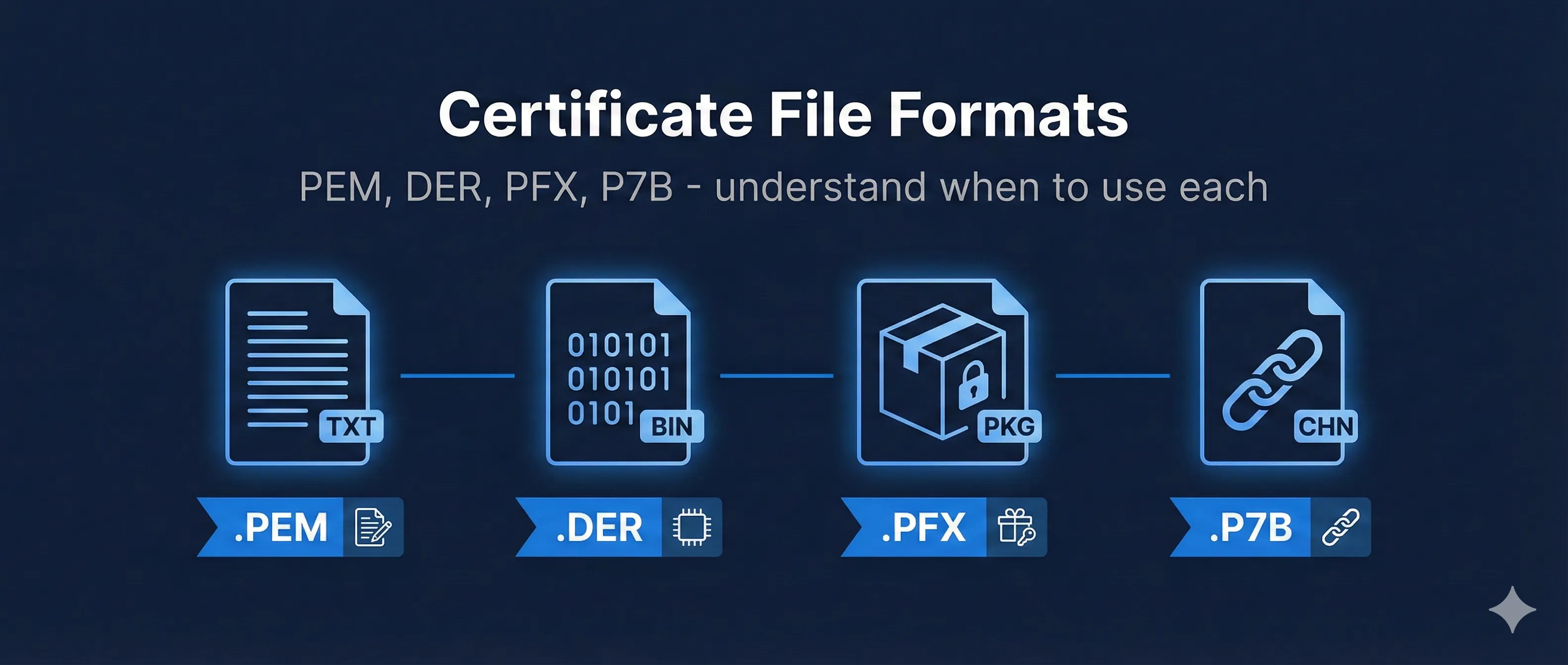
Quick Answer: Format Comparison
| Format | Encoding | Contains | Extensions | Use Case |
|---|---|---|---|---|
| PEM | Base64 (text) | Cert or key | .pem .crt .cer .key | Linux/Apache/Nginx |
| DER | Binary | Single cert | .der .cer | Java/Windows |
| PFX/P12 | Binary (encrypted) | Cert + Key + Chain | .pfx .p12 | Windows/IIS/Export |
| P7B | Base64 or Binary | Certs only (no key) | .p7b .p7c | Chain bundles |
Most certificate problems are format mismatches. When something doesn't work, check if you're using the right format for your platform.
Certificate Format Comparison
Choose the right format for your platform
Tip: When in doubt, use PEM for Linux servers and PFX for Windows. Most platforms support converting between formats.
PEM Format (Base64 Encoded)
PEM (Privacy-Enhanced Mail) is the most common and human-readable format. It's Base64-encoded data wrapped between distinctive header and footer lines.
Structure
-----BEGIN CERTIFICATE-----
MIIDrzCCApegAwIBAgIQCDvgVpBCRrGhdWrJWZHHSjANBgkqhkiG9w0BAQsFADBh
MQswCQYDVQQGEwJVUzEVMBMGA1UEChMMRGlnaUNlcnQgSW5jMRkwFwYDVQQLExB3
d3cuZGlnaWNlcnQuY29tMSAwHgYDVQQDExdEaWdpQ2VydCBHbG9iYWwgUm9vdCBD
... more Base64 data ...
-----END CERTIFICATE-----
Common PEM Types
| Header | Contains |
|---|---|
| -----BEGIN CERTIFICATE----- | X.509 certificate |
| -----BEGIN PRIVATE KEY----- | PKCS#8 private key |
| -----BEGIN RSA PRIVATE KEY----- | RSA private key (legacy) |
| -----BEGIN CERTIFICATE REQUEST----- | CSR |
| -----BEGIN ENCRYPTED PRIVATE KEY----- | Password-protected key |
Common File Extensions
- • .pem: Generic PEM file
- • .crt: Certificate (usually PEM, sometimes DER)
- • .cer: Certificate (ambiguous - could be PEM or DER)
- • .key: Private key
- • .csr: Certificate Signing Request
View PEM Contents
# View certificate details
openssl x509 -in cert.pem -noout -text

# View just subject and issuer
openssl x509 -in cert.pem -noout -subject -issuer

# Check if file is valid PEM
openssl x509 -in cert.pem -noout 2>&1 && echo "Valid PEM certificate"
Concatenating PEM Files
You can combine multiple PEM certificates into one file (called a bundle or chain):
# Create a certificate chain
cat server.crt intermediate.crt root.crt > fullchain.pem

# Combine certificate and key (for some servers)
cat server.crt server.key > combined.pem
DER Format (Binary)
DER (Distinguished Encoding Rules) is the binary form of certificate data. It's the same content as PEM but without the Base64 encoding.
Characteristics
- • Binary format: Cannot be opened in a text editor (shows gibberish)
- • More compact: ~30% smaller than equivalent PEM
- • Single item: Contains only one certificate (no chains)
- • Extensions: .der, .cer (the .cer extension is ambiguous)
Identifying DER vs PEM
# Check if file is DER format
file certificate.cer
# Output: "certificate.cer: data" = DER (binary)
# Output: "certificate.cer: ASCII text" = PEM

# Alternative: try to parse as PEM, if fails, try DER
openssl x509 -in cert.cer -inform PEM -noout 2>/dev/null && echo "PEM" || echo "Probably DER"

# View DER certificate
openssl x509 -in cert.der -inform DER -noout -text
Common Uses
- • Java keystores: Often import/export in DER
- • Windows certificate store: Native format
- • Some browsers: Download certificates in DER
The .cer Extension Problem
The .cer extension can be either PEM or DER format. Windows typically uses DER, while Linux typically uses PEM. Always check the file format before assuming.
PFX/P12 Format (Container)
PFX (Personal Information Exchange) or PKCS#12 is a binary container format that can hold the private key, certificate, and intermediate certificates in one password-protected file.
What's Inside
Create a PFX File
# Create PFX from PEM certificate and key
openssl pkcs12 -export \
  -out certificate.pfx \
  -inkey private.key \
  -in certificate.crt \
  -certfile intermediate.crt

# You'll be prompted for an export password
Extract from PFX
# Extract certificate only
openssl pkcs12 -in certificate.pfx -clcerts -nokeys -out cert.pem

# Extract private key (unencrypted)
openssl pkcs12 -in certificate.pfx -nocerts -nodes -out key.pem

# Extract CA chain
openssl pkcs12 -in certificate.pfx -cacerts -nokeys -out chain.pem

# Extract everything to one file
openssl pkcs12 -in certificate.pfx -nodes -out all.pem
Common Uses
- • Windows/IIS: Native import format for certificates with keys
- • Backup/Transfer: Securely move complete identities between systems
- • Code Signing: Many tools expect PFX format
- • Email (S/MIME): Email clients often import from PFX
Password Protection
PFX files are always password-protected because they contain the private key. Use a strong password and never share PFX files without secure transfer methods.
P7B/PKCS#7 Format (Chain Bundle)
P7B (PKCS#7) is designed for distributing certificate chains without private keys. It's commonly used by Certificate Authorities to deliver intermediate certificates.
Characteristics
- • Certificates only: Never contains private keys
- • Chain support: Can hold multiple certificates (chain/bundle)
- • Encoding: Can be Base64 (like PEM) or binary (like DER)
- • Extensions: .p7b, .p7c
Convert P7B to PEM
# Extract certificates from P7B
openssl pkcs7 -in chain.p7b -print_certs -out chain.pem

# View certificates in P7B
openssl pkcs7 -in chain.p7b -print_certs -noout
Create P7B from PEM
# Create P7B from certificate(s)
openssl crl2pkcs7 -nocrl \
  -certfile server.crt \
  -certfile intermediate.crt \
  -out chain.p7b
No Private Key
P7B files never contain private keys. When you receive a certificate bundle in P7B format from a CA, you'll need to combine it with your private key separately.
Conversion Commands Reference
Complete reference for converting between certificate formats using OpenSSL.
PEM Conversions
# PEM to DER
openssl x509 -in cert.pem -outform DER -out cert.der

# PEM to PFX (need private key)
openssl pkcs12 -export -in cert.pem -inkey key.pem -out cert.pfx

# PEM to P7B
openssl crl2pkcs7 -nocrl -certfile cert.pem -out cert.p7b
DER Conversions
# DER to PEM
openssl x509 -in cert.der -inform DER -out cert.pem -outform PEM

# DER to PFX (convert to PEM first, then to PFX)
openssl x509 -in cert.der -inform DER -out cert.pem
openssl pkcs12 -export -in cert.pem -inkey key.pem -out cert.pfx
PFX Conversions
# PFX to PEM (certificate only)
openssl pkcs12 -in cert.pfx -clcerts -nokeys -out cert.pem

# PFX to PEM (private key, no encryption)
openssl pkcs12 -in cert.pfx -nocerts -nodes -out key.pem

# PFX to PEM (everything)
openssl pkcs12 -in cert.pfx -nodes -out all.pem

# PFX to DER
openssl pkcs12 -in cert.pfx -clcerts -nokeys | \
  openssl x509 -outform DER -out cert.der
P7B Conversions
# P7B to PEM
openssl pkcs7 -in chain.p7b -print_certs -out chain.pem

# P7B to PFX (need private key separately)
openssl pkcs7 -in chain.p7b -print_certs -out chain.pem
openssl pkcs12 -export -in cert.pem -inkey key.pem -certfile chain.pem -out cert.pfx
Platform Requirements
| Platform | Format | Notes |
|---|---|---|
| Apache | PEM | Separate .crt and .key files |
| Nginx | PEM | Fullchain + key file |
| IIS | PFX | Import via MMC or PowerShell |
| Tomcat | PFX/JKS | Java keystore or PKCS12 |
| AWS ALB/CloudFront | PEM | Upload via ACM or console |
| Azure | PFX | Upload to Key Vault |
| F5 BIG-IP | PEM | Import key and cert separately |
Troubleshooting Format Issues
"unable to load certificate"
You're probably using the wrong format flag. Try specifying the input format:
# Try PEM
openssl x509 -in cert.cer -inform PEM -noout -text

# Try DER
openssl x509 -in cert.cer -inform DER -noout -text
"no certificate matches private key"
The certificate and key don't match. Verify they're a pair:
# Compare modulus (should match for RSA)
openssl x509 -noout -modulus -in cert.pem | openssl md5
openssl rsa -noout -modulus -in key.pem | openssl md5

# If MD5 hashes match, they're a pair
"Mac verify error: invalid password"
Wrong password when opening PFX file. Try with different passwords. Some tools use empty string as password (just press Enter).
"bad base64 decode"
The PEM file is corrupted, has extra whitespace, or is actually DER format. Check for Windows line endings (CRLF) or missing newlines.
Related Resources
PKCS#12 / PFX Guide
Deep dive into the PFX container format for bundling keys and certificates.
Certificate Anatomy
Understand the structure of X.509 certificates in these formats.
OpenSSL Certificate Inspection
View and analyze certificate contents with OpenSSL commands.
Java KeyStore (JKS)
Learn about Java's native keystore format and keytool commands.
Certificate Lifecycle
Manage certificates from generation to renewal with proper formats.
Frequently Asked Questions
What's the difference between .crt and .cer?
Nothing functionally. Both can be PEM or DER format. On Linux, .crt is more common and usually PEM. On Windows, .cer is more common and usually DER. Always check the actual format rather than trusting the extension.
Why can't I open my PFX file?
PFX files are password-protected. You need the export password that was set when the PFX was created. If you don't have it, you'll need to regenerate the certificate.
Can I convert PFX to PEM without the password?
No. The password is required to decrypt the private key inside the PFX file. Without it, you cannot extract the contents.
Which format is most secure?
All formats provide the same level of cryptographic security - they're just different ways of encoding the same data. PFX is password-protected which adds a layer of protection for the private key, but PEM keys can also be encrypted.
Why does my CA send P7B instead of PEM?
Some CAs prefer P7B because it's a standard format for bundling certificate chains. Convert to PEM using: openssl pkcs7 -in chain.p7b -print_certs -out chain.pem
Ready to Practice?
Explore certificate formats interactively and see conversion paths in our demo.
Try the Interactive Demo