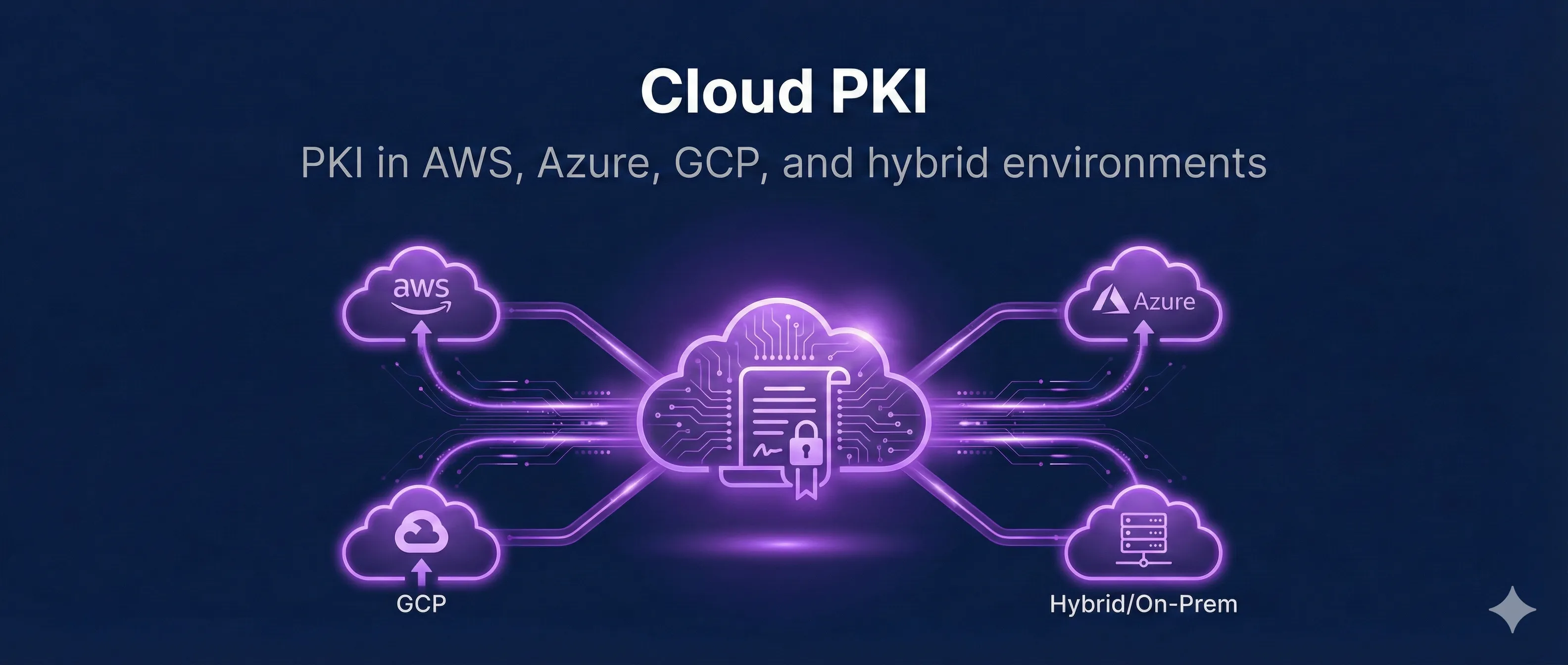
Quick Answer: Cloud PKI Options
AWS Certificate Manager (ACM)
AWS ACM provides free public SSL/TLS certificates that automatically renew. Works seamlessly with ALB, CloudFront, API Gateway, and other AWS services.
Key Features
No cost for certificates used with AWS services
ACM handles renewal 60 days before expiry
ACM Private CA for internal certificates ($400/month)
Request Certificate via CLI
# Request a public certificate
aws acm request-certificate \
  --domain-name example.com \
  --subject-alternative-names www.example.com \
  --validation-method DNS \
  --region us-east-1

# List certificates
aws acm list-certificates --region us-east-1

# Describe certificate (get validation records)
aws acm describe-certificate \
  --certificate-arn arn:aws:acm:us-east-1:123456789:certificate/abc-123
Important Limitation
ACM certificates can only be used with AWS services. You cannot export the private key to use elsewhere. For EC2 or external use, import your own certificate or use Let's Encrypt.
Azure Key Vault
Azure Key Vault provides centralized secret management with HSM-backed key storage. Certificates can be auto-renewed through integrated CAs like DigiCert.
Certificate Features
- Import existing certificates (PFX/PEM)
- Generate self-signed certificates
- Integrated CA issuance (DigiCert, GlobalSign)
- Automatic renewal and rotation
Azure CLI Commands
# Create a Key Vault
az keyvault create --name mykeyvault \
  --resource-group mygroup --location eastus

# Import certificate
az keyvault certificate import \
  --vault-name mykeyvault \
  --name mycert \
  --file cert.pfx \
  --password "pfx-password"

# Create self-signed certificate
az keyvault certificate create \
  --vault-name mykeyvault \
  --name myselfsigned \
  --policy @policy.json
Google Cloud Certificate Manager
Google Cloud offers managed certificates for load balancers, GKE, and Cloud Run. Google-managed certificates auto-renew and integrate with DNS authorization.
gcloud Commands
# Create a managed certificate
gcloud compute ssl-certificates create my-cert \
  --domains=example.com,www.example.com \
  --global

# List certificates
gcloud compute ssl-certificates list

# Create certificate map for advanced routing
gcloud certificate-manager maps create my-cert-map

# Attach to load balancer
gcloud compute target-https-proxies update my-proxy \
  --ssl-certificates=my-cert
HashiCorp Vault PKI
Vault's PKI secrets engine lets you run your own Certificate Authority. Issue short-lived certificates on demand, integrate with any platform.
Why Use Vault PKI?
Setup PKI Engine
# Enable PKI secrets engine
vault secrets enable pki

# Set max TTL
vault secrets tune -max-lease-ttl=87600h pki

# Generate root CA
vault write pki/root/generate/internal \
  common_name="My Root CA" \
  ttl=87600h

# Create a role for issuing certs
vault write pki/roles/web-server \
  allowed_domains="example.com" \
  allow_subdomains=true \
  max_ttl="72h"

# Issue a certificate
vault write pki/issue/web-server \
  common_name="api.example.com" \
  ttl="24h"
Kubernetes cert-manager
cert-manager is the standard for certificate management in Kubernetes. It automatically obtains, renews, and deploys certificates as Kubernetes secrets.
Install cert-manager
# Install cert-manager via Helm
helm repo add jetstack https://charts.jetstack.io
helm repo update

helm install cert-manager jetstack/cert-manager \
  --namespace cert-manager \
  --create-namespace \
  --set installCRDs=true
Let's Encrypt Issuer
# ClusterIssuer for Let's Encrypt
apiVersion: cert-manager.io/v1
kind: ClusterIssuer
metadata:
  name: letsencrypt-prod
spec:
  acme:
    server: https://acme-v02.api.letsencrypt.org/directory
    email: admin@example.com
    privateKeySecretRef:
      name: letsencrypt-prod-key
    solvers:
    - http01:
        ingress:
          class: nginx
Certificate Resource
# Request a certificate
apiVersion: cert-manager.io/v1
kind: Certificate
metadata:
  name: example-com-tls
  namespace: default
spec:
  secretName: example-com-tls-secret
  issuerRef:
    name: letsencrypt-prod
    kind: ClusterIssuer
  dnsNames:
  - example.com
  - www.example.com
Platform Comparison
| Feature | AWS ACM | Azure KV | Vault | cert-mgr |
|---|---|---|---|---|
| Cost | Free* | Per operation | Self-hosted | Free |
| Public Certs | Yes | Via DigiCert | No (private) | Let's Encrypt |
| Private CA | $400/mo | Yes | Yes | With Vault |
| Export Key | No | Yes | Yes | Yes |
| Multi-Cloud | AWS only | Azure focused | Yes | Yes |
Cloud PKI Best Practices
Automate Everything
Never manually manage certificates. Use infrastructure-as-code (Terraform, CloudFormation) to provision and renew certificates automatically.
Monitor Expiration
Even with auto-renewal, set up alerts for certificate expiration. CloudWatch, Azure Monitor, or Prometheus can alert 30 days before expiry.
Short-Lived Certificates
For internal services, use short-lived certificates (hours to days). Reduces blast radius of key compromise and eliminates need for revocation.
Separate Environments
Use different certificates and CAs for dev/staging/production. Never use production certificates in non-production environments.
Frequently Asked Questions
Can I use AWS ACM certificates on EC2 instances?
Not directly. ACM certificates can't be exported. For EC2, either use a load balancer (ALB/NLB) or install Let's Encrypt certificates using certbot.
How do I migrate certificates between cloud providers?
Export the certificate and private key (if possible) from the source, then import into the destination. ACM doesn't allow export, so you'll need to generate new certificates.
Should I use a public CA or run my own with Vault?
Use public CAs (Let's Encrypt, ACM) for public-facing services. Use private CAs (Vault, ACM Private CA) for internal service-to-service communication.
How often should internal certificates rotate?
Modern best practice is 24-72 hours for service certificates. cert-manager and Vault make this practical with automated renewal.
What's the best approach for multi-cloud?
HashiCorp Vault with cert-manager gives you a consistent PKI across all clouds. Vault acts as the CA, cert-manager handles Kubernetes integration.
Related Resources
AWS ACM Deep Dive
Complete guide to AWS Certificate Manager for public and private certificates.
cert-manager for Kubernetes
Automate certificate management in Kubernetes clusters.
CA Hierarchy Design
Design root and intermediate CAs for cloud or hybrid deployments.
Certificate Lifecycle
Manage certificates from issuance through renewal in cloud environments.
Venafi Integration Series
Enterprise certificate management with Venafi TPP and TLS Protect Cloud.
Explore Cloud PKI Visually
Interactive demo of cloud certificate workflows