Quick Answer: What is a CSR?
A Certificate Signing Request (CSR) is a formal request you send to a Certificate Authority (CA) asking them to issue you a certificate. It contains your public key and identity information, signed with your private key to prove you own it.
Key Point: Your private key NEVER leaves your server. The CSR only contains your public key, which the CA will embed in your certificate.
The CSR Lifecycle
CSR Lifecycle
Step 1: Generate Key Pair
Create a private and public key pair. The private key stays SECRET on your server forever.
# Generate RSA 2048-bit private key
openssl genrsa -out domain.key 2048

# Or generate ECDSA P-256 key (recommended)
openssl ecparam -genkey -name prime256v1 -out domain.key
Step 2: Create CSR
Generate a CSR using your private key. This extracts the public key and adds your identity.
# Create CSR (interactive - prompts for details)
openssl req -new -key domain.key -out domain.csr

# Create CSR (non-interactive with subject)
openssl req -new -key domain.key -out domain.csr \
  -subj "/CN=www.example.com/O=Example Corp/C=US"
Step 3: Submit to CA
Submit the CSR to your chosen Certificate Authority. They will verify your identity (domain ownership, organization details) and issue a certificate signed by their CA.
Step 4: Install Certificate
Once issued, install the certificate alongside your private key on your server.
Subject DN Fields Explained
Subject DN Fields
www.example.comExample Inc.IT DepartmentSan FranciscoCaliforniaUSadmin@example.comTip: For modern certificates, use SAN extension instead of relying on CN for hostnames
The Subject Distinguished Name (DN) identifies who owns the certificate. Each field has specific requirements that CAs validate.
| Field | Code | Example | Notes |
|---|---|---|---|
| Common Name | CN | www.example.com | Primary domain (also add to SAN!) |
| Organization | O | Example Corp | Legal company name (OV/EV only) |
| Org Unit | OU | IT Department | Being deprecated - many CAs ignore |
| Locality | L | San Francisco | City name |
| State | ST | California | Full name, not abbreviation |
| Country | C | US | ISO 3166-1 alpha-2 code |
Country Code Gotchas
- • US not "USA" or "United States"
- • GB not "UK" for United Kingdom
- • DE for Germany (Deutschland)
- • Always use exactly 2 uppercase letters
Subject Alternative Names (SAN)
SANs are now the primary way browsers validate domain names. Modern browsers check SAN first, not the Common Name. Your certificate should list ALL domains in the SAN field.
Critical SAN Rules
- •Include the CN in SAN: Your primary domain (CN) must ALSO be in the SAN list
- •List all variations: example.com, www.example.com, api.example.com
- •Wildcards: *.example.com covers subdomains but NOT example.com itself
Creating a CSR with SANs
# Using -addext (OpenSSL 1.1.1+)
openssl req -new -key domain.key -out domain.csr \
  -subj "/CN=www.example.com/O=Example Corp/C=US" \
  -addext "subjectAltName=DNS:www.example.com,DNS:example.com,DNS:api.example.com"

# Using a config file (works with all OpenSSL versions)
cat > san.cnf << EOF
[req]
distinguished_name = req_dn
req_extensions = req_ext
prompt = no

[req_dn]
CN = www.example.com
O = Example Corp
C = US

[req_ext]
subjectAltName = @alt_names

[alt_names]
DNS.1 = www.example.com
DNS.2 = example.com
DNS.3 = api.example.com
DNS.4 = *.example.com
EOF

openssl req -new -key domain.key -out domain.csr -config san.cnf
Choosing Key Algorithms
Which Key Algorithm?
RSA (Traditional)
- ✓Universal compatibility
- ✓Well-understood security
- •Use 2048-bit minimum (4096 for high security)
- ✗Larger keys = slower handshakes
ECC (Modern)
- ✓Smaller keys, same security
- ✓Faster handshakes
- •Use P-256 or P-384 curves
- •Check legacy client support
| Algorithm | Key Size | Security | Performance | Recommendation |
|---|---|---|---|---|
| RSA | 1024-bit | Broken | Fast | Never use |
| RSA | 2048-bit | Minimum | OK | Acceptable |
| RSA | 4096-bit | Strong | Slower | Good for high security |
| ECDSA | P-256 | Strong | Very Fast | Recommended |
| ECDSA | P-384 | Very Strong | Fast | Best for security |
# ECDSA P-256 (recommended - same security as RSA 3072)
openssl ecparam -genkey -name prime256v1 -out domain.key
openssl req -new -key domain.key -out domain.csr

# ECDSA P-384 (stronger)
openssl ecparam -genkey -name secp384r1 -out domain.key

# RSA 2048 (widely compatible)
openssl genrsa -out domain.key 2048

# RSA 4096 (high security)
openssl genrsa -out domain.key 4096
OpenSSL CSR Commands
Generate Key + CSR in One Command
# RSA 2048 - Key and CSR together
openssl req -new -newkey rsa:2048 -nodes \
  -keyout example.com.key \
  -out example.com.csr \
  -subj "/CN=www.example.com/O=Example Corp/C=US" \
  -addext "subjectAltName=DNS:www.example.com,DNS:example.com"

# ECDSA P-256 - Key and CSR together
openssl req -new -newkey ec -pkeyopt ec_paramgen_curve:prime256v1 -nodes \
  -keyout example.com.key \
  -out example.com.csr \
  -subj "/CN=www.example.com/O=Example Corp/C=US"
View CSR Contents
# View CSR details
openssl req -in domain.csr -noout -text

# View just the subject
openssl req -in domain.csr -noout -subject

# Verify CSR signature is valid
openssl req -in domain.csr -noout -verify
Common Mistakes to Avoid
1. Missing SAN Entries
Problem: Certificate works for www.example.com but not example.com
Fix: Always list ALL domains in the SAN field, including the apex domain (example.com)
2. Wrong Key for CSR
Problem: CSR signed with different key than what you'll use with the certificate
Fix: Use the same private key file for CSR generation and certificate installation
3. Invalid Country Code
Problem: Using "USA", "UK", or "GER" instead of ISO codes
Fix: Always use ISO 3166-1 alpha-2 codes: US, GB, DE
4. Weak Key Size
Problem: Using RSA 1024-bit or other deprecated algorithms
Fix: Use RSA 2048-bit minimum, or ECDSA P-256/P-384 (recommended)
5. Organization Mismatch
Problem: O field doesn't match your legal business name exactly (for OV/EV)
Fix: Use the exact legal name as registered with your government
Related Resources
OpenSSL CSR Commands
Master OpenSSL commands for CSR generation and verification.
Certificate Anatomy
Understand X.509 structure to create better CSRs.
Certificate Lifecycle
See where CSR creation fits in the complete certificate workflow.
CSR Checker Demo
Validate your CSR and verify it contains correct information.
Certificate File Formats
Learn PEM, DER, and other formats for CSRs and certificates.
Frequently Asked Questions
Can I reuse a CSR?
Technically yes, but it's not recommended. Generate a fresh key pair and CSR for each new certificate. This limits exposure if an old key is ever compromised.
What's the difference between CN and SAN?
CN (Common Name) was traditionally THE domain field, but modern browsers now check SAN (Subject Alternative Name) first. You should put all your domains in SAN, and CN is mainly kept for compatibility with older systems.
Do I need different CSRs for DV, OV, and EV certificates?
The CSR format is the same. For DV certs, only CN and SAN matter. For OV/EV, you need accurate organization details that the CA will verify against public records.
What happens to my CSR after the certificate is issued?
You can delete the CSR file - it's not needed after the certificate is issued. Keep your private key safe! It's required to use the certificate.
My CA rejected my CSR. What should I check?
Common reasons: key size too small, invalid country code, organization name doesn't match records, or domain isn't listed in SAN. View your CSR withopenssl req -in domain.csr -noout -textto verify all fields.
Ready to Create Your CSR?
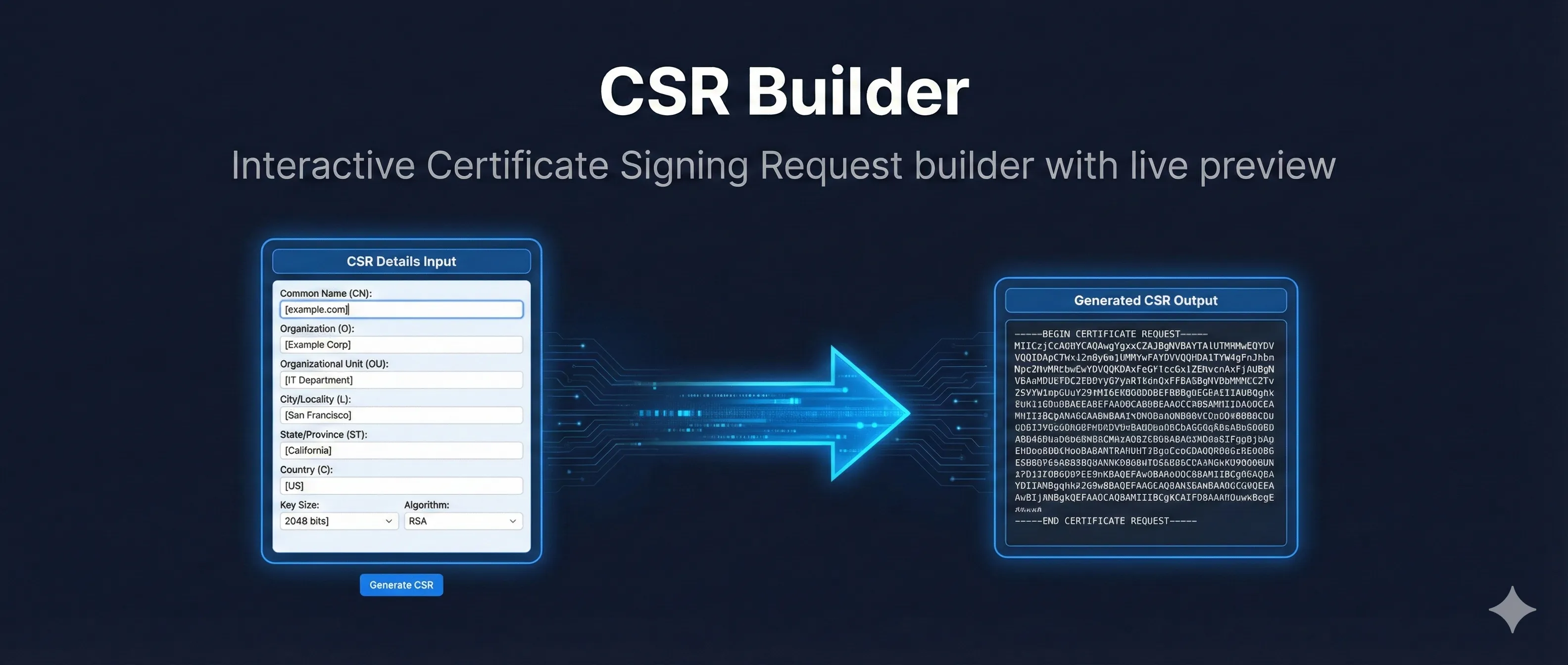
Use our interactive CSR builder to generate commands with the correct parameters.
Open CSR Builder Demo