Mass Revocation Response
Turn panic into a burndown.
Why this tool exists
SSL.com revoked 1.7 million certificates in 24 hours. Let's Encrypt drilled 3 million more. Both events exposed the same gap: most teams cannot respond to "replace everything from this CA now" within the deadline.
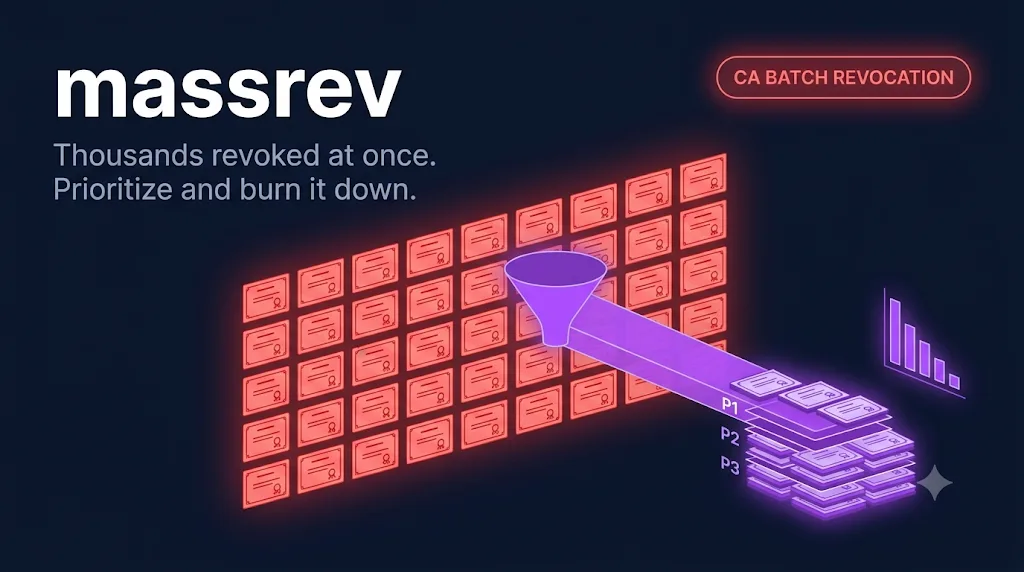
massrev takes your inventory CSV from certrecon, intersects it with the affected serial list the CA publishes, and produces a prioritized replacement plan: highest-exposure endpoints first, internal-only ones last, batched against the deadline.
As you replace certificates, mark them done and the burndown moves. The status command is the screen you put on the war-room TV.
What it does
01Plan the burndown
python3 massrev.py plan --inventory sample_inventory.csv --ca Entrust --deadline 2026-12-31 --out plan.csvReads your full inventory, filters to certificates issued by the affected CA, scores each by exposure (public-facing > internal, production > dev), and writes a prioritized plan.csv with a target replacement window per certificate.
02Mark progress
python3 massrev.py mark --plan plan.csv --serial 0x4a:7b:... --status replacedUpdates the plan with a replacement timestamp. Idempotent — re-running on the same serial is safe.
03Read the burndown
python3 massrev.py status --plan plan.csvPrints the burndown bar, priority breakdown, and hours remaining against the deadline. This is the screen the incident commander reads to leadership.
Sample output
Exactly what the tool writes to your terminal. No mockups — this is real output, copied verbatim.
$ python3 massrev.py status --plan plan.csv

[ MASS REVOCATION BURNDOWN — Entrust deadline 2026-12-31 ]

  Total in scope:      842 certificates
  Replaced:            618 (73%)
  In progress:          47
  Not started:         177
  Time remaining:      120h

  Priority breakdown (not started):
    P0 public-facing prod:     12  <-- DO THESE NEXT
    P1 internal prod:          54
    P2 non-prod:              111

  [#########################......]  73%
Common questions
Get the tool
GitHub
Clone the repo, install one dependency, run the tool.
git clone https://github.com/patjenkinsGIT/cert-automation-toolkit.git
cd cert-automation-toolkit
pip install cryptographyDirect download
Grab the latest release zip — everything in one file.
Download v1.0.0.zipMIT-licensed. No setup notes beyond the README in the folder.